

Proxmox Storage – no specialized hardware required
With the Lightbits SDS native open-source plugin, Proxmox clusters gain seamless, shared access to a highly scalable, resilient NVMe/TCP storage pool supporting shared LVM configurations. Manage, provision, and live-migrate VM disks effortlessly directly from the Proxmox UI—all while achieving the ultra-low, consistent latency required for transactional databases, real-time analytics, and AI workloads.
What is Proxmox VE? Proxmox Virtual Environment (or PVE) is an open-source enterprise virtualization platform; an OS installed directly onto a physical server to create virtual machines (VMs) and containers.
What are the main features of Proxmox VE? web-based management, out-of-the-box clustering, integrated Backup Server, and flexible storage support. What storage backends does Proxmox support? Proxmox VE natively supports local storage as well as distributed enterprise storage, such as Lightbits SDS®—a software-defined block storage solution built for high-performance workloads that runs on industry-standard commodity hardware, not proprietary frameworks.
Is Proxmox VE a good alternative to VMware? Proxmox VE is an excellent alternative to VMware. Many organizations have actively migrated away from VMware ESXi and transitioned to Proxmox VE as their primary enterprise hypervisor. How does Proxmox handle virtualization and containers? What makes Proxmox incredibly popular is that it natively supports two different types of virtualization out of the box, allowing you to choose the best tool for the job: KVM or Linux Containers. Its hybrid architecture handles virtualization and containerization simultaneously; you can run both side-by-side from a single web dashboard.
Add Storage to Proxmox
Two paths, one clean abstraction.
The plugin bridges Proxmox’s storage API to the Lightbits block storage cluster using two independent channels — a REST API for volume lifecycle and NVMe-oF for I/O.

Proxmox storage. Zero specialized hardware.

High Performance Block Storage

Proxmox Shared Storage Pool

Open Source

Thin Provisioning

Native Proxmox UI

Enterprise Durability
Create a Lightbits Cluster in Proxmox
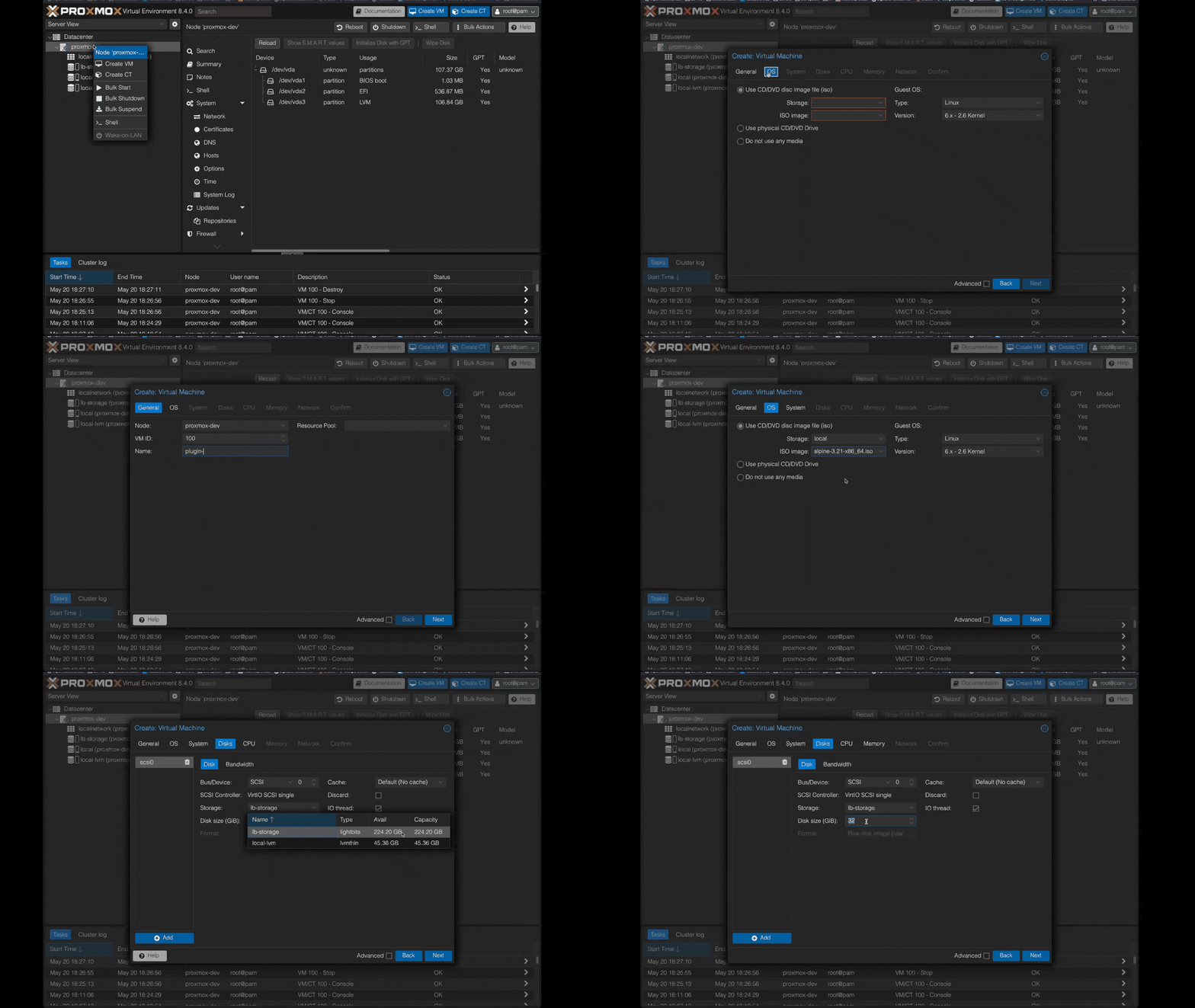
Adding Lightbits as a Proxmox shared storage backend, creating a VM disk, and verifying the NVMe-oF connection — is as easy as 1-2-3.
- Clone & Install
- Add the Proxmox storage
- Verify & Use
See it in action
Tested and supported versions
| Component | Version | Status |
|---|---|---|
| Proxmox VE | 9.x (tested on 9.2) | ✓ Supported |
| Lightbits SDS | 3.x | ✓ Supported |
| Linux kernel | 5.0+ ( nvme_tcp module) | ✓ Supported |
| NVMe-oF transport | TCP (standard Ethernet) | ✓ Supported |